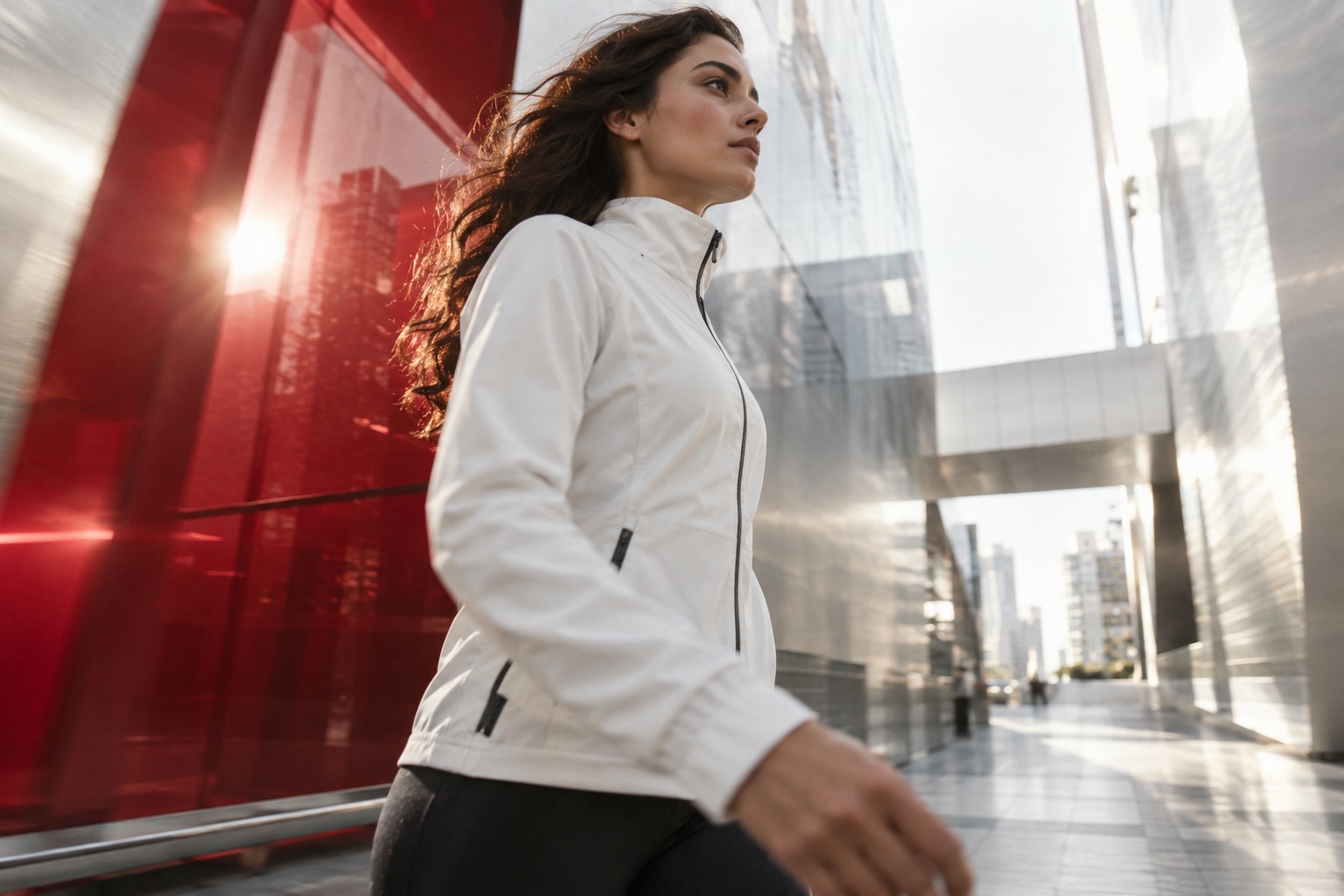
AI-created illustrative scene · Art direction study
Give movement a purpose.
HOW DOES THIS WORK DEVELOP?
In motion design, when something appears matters as much as what appears. I organise text, graphic elements and imagery over time to build a readable sequence. From animating an existing visual to creating graphics for a video, we define the scope around the narrative.
01
Give movement a purpose
Introducing a title, emphasising a detail and connecting scenes require different animation choices. I start with the order in which the viewer should receive information. Transitions and timing support that sequence and help the message become clearer.
02
From still design to timeline
Animating a poster or social visual requires a plan for separated layers and the order of appearance. I review the source material and reorganise it for motion where necessary. Opening and closing frames, and the time allowed to read each line, are part of the design.
THE IDEA TAKES SHAPE
Give movement a purpose.
01Idea
02Storyboard
03Rhythm
04Motion
From the first brief to the final delivery, every step follows the same visual direction.
03
Graphics within a video
Lower thirds, name straps, titles and section transitions can sit over filmed material. They should remain readable without obscuring the footage. We discuss the edit, backgrounds and need for repeated use to define a consistent graphic package.
04
Format, duration and sound
Silent social content and a video with audio have different narrative conditions. We establish the ratio, duration, looping requirements and any music or sound material at the beginning. Export settings follow the publishing platform or editing workflow.
Deliverables
Deliverables and file requirements are agreed individually for each brief.
Animated typography and titles
Motion graphics for social content
Layer-based adaptations of existing visuals
Logo animation within the agreed brief
Lower thirds, name straps and section transitions
Exports in selected durations and aspect ratios
Agreed output formats for graphics used in an edit
Working process
01
Define the sequence
We discuss the message, duration, source material and role of movement, then establish the scene or graphic list.
02
Establish the frames
I design typography, colour and composition and prepare sample frames for reviewing the information sequence.
03
Develop movement and rhythm
I animate the approved frames, refine transitions and reading time, and check the relationship with any supplied sound.
04
Export the versions
I prepare the agreed durations and ratios and deliver files suitable for publishing or editing.
LET’S DEFINE THE NEED
For our first conversation
A few sentences in response to these questions are a useful starting point for understanding your needs and defining the scope.
What message should the animation communicate, and in what order?
What are the target duration, aspect ratio and publishing platform?
Are the logo, visuals, layered files and copy ready?
Will it be viewed with sound, and will it be part of another edit?
Yes, after reviewing the source files. Layered files are helpful; a flattened image may need elements separated or its composition rebuilt. We define this work during the initial review.
Can you prepare lower thirds for our video team?
We can plan a graphic package. The editing software, reuse needs and expected outputs are discussed at the start so the handover fits the team’s workflow.
Can we create several durations and ratios?
Yes. A shorter version may need a new information sequence and a different ratio may require a new layout. It helps to list versions before designing the main animation.