THREE POINTS TO KEEP
- Scene generation supplies part of the story.
- Allow time to read typography.
- Judge the result inside the edit.
- 01Scene
- 02Graphics
- 03Rhythm
- 04Final review
A conceptual workflow · No client results or performance metrics are represented.
AI supplies visual material
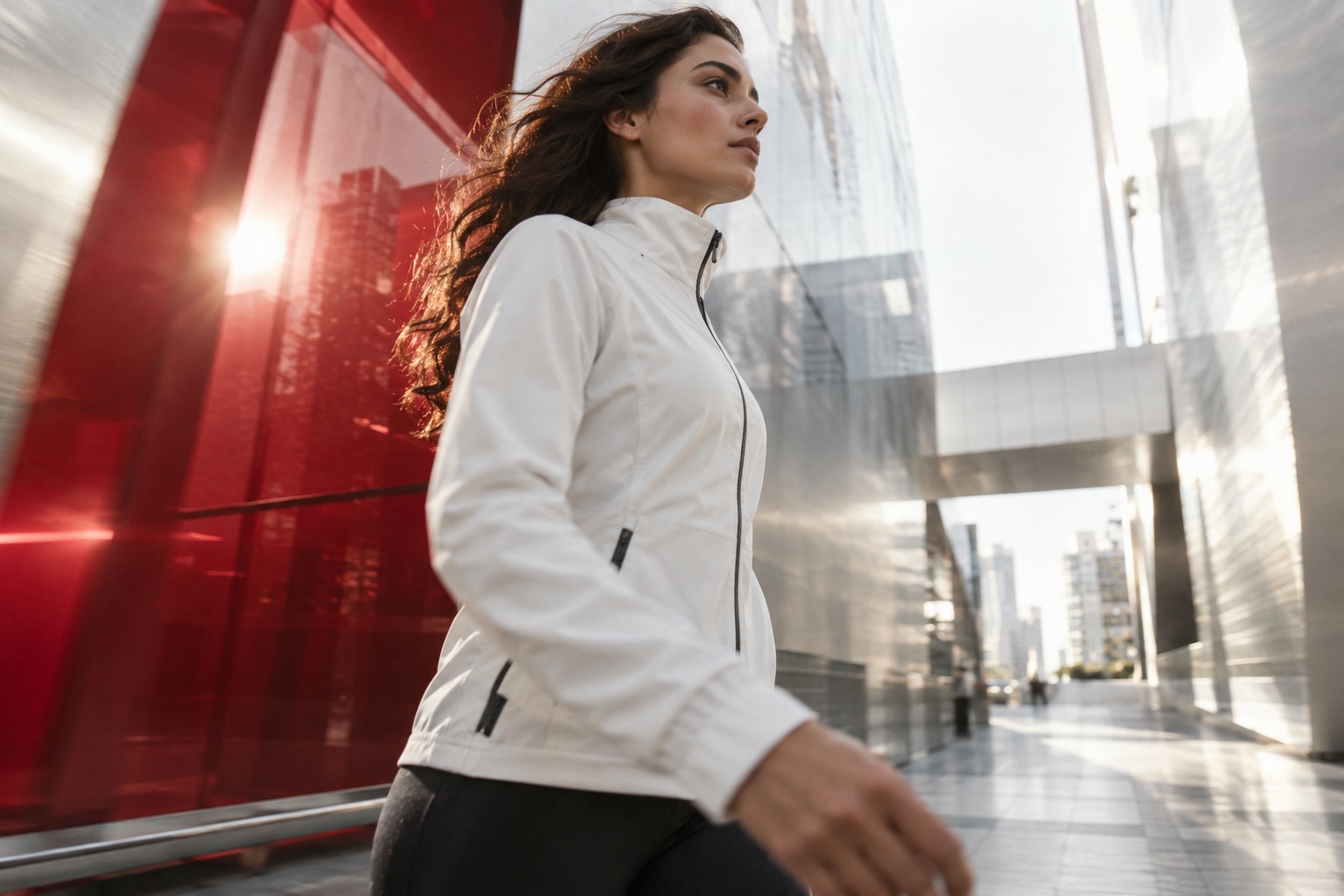
Generated scenes may support a setting, transition or visual idea. A result becomes part of the material available for editing. Even when its light, shapes and motion fit the brief, its position in the story still needs consideration.
Google DeepMind’s prompt guide treats framing, camera, style, lighting, action and audio as elements that can be described separately. This is useful for thinking about a shot, not a formula that makes every output ready for delivery.
Related official guidance: Google DeepMind · Veo prompt guide
Motion gives graphics timing and behaviour
When should a title, logo, number or diagram appear? How long should it remain, and how should it leave? Motion design answers these questions within the visual identity. Movement can establish information order as well as attract attention.
A product may appear first, followed by one fact and a next step. If every element scales and spins together, the messages compete. Waiting for one movement to finish or choosing a quieter transition can be a stronger design decision.
Editing connects the images into a story
Editing is more than arranging attractive footage. It determines what the viewer learns, why a shot lasts and how sound supports it. Generated shots, live footage and motion layers need a shared rhythm.
A striking shot can still stop the story if it does not connect to its neighbours. Taking one detail, shortening the shot or finding another transition places the image where the story needs it.
| Discipline | Main question | Typical role |
|---|---|---|
| AI | Which scene is needed? | Visual material |
| Motion | How does information appear? | Titles and diagrams |
| Editing | How does the story flow? | Shot and sound order |
Plan sound and silent viewing together
Music, atmosphere and dialogue influence a sound-led film. Silent viewing needs an understandable image and text sequence. The same footage may support both versions, but identical timing and typography may not work for each.
Separate captions from decorative headings. Captions follow speech; a heading expresses the main idea. Give captions, titles and platform controls their own space rather than placing everything at the same visual weight.
Review under real viewing conditions
A large design monitor is not enough. Check type on a phone, the message without sound and the image in different viewing conditions. The viewer’s ability to find the information matters as much as the effect.
Divide the final checklist into scene detail, graphic accuracy and timing, and editorial continuity and sound. A vague quality question becomes a set of concrete checks that can be corrected.
Working checklist
- Scene detail
- Reading time
- Logo accuracy
- Audio balance
- Phone viewing
- Silent narrative
Combining these disciplines does not mean adding more effects. It means giving each tool a clear role in the story.
Let’s discuss your projectSources and scope
Tool-specific statements were checked against the official resources below on 5 October 2026. Features and access conditions may change; check the current documentation when planning production. Workflow examples and checklists are editorial suggestions, not model guarantees or client performance claims.