THREE POINTS TO KEEP
- Start with a clean image.
- Choose one dominant movement.
- Change one decision per test.
- 01Camera
- 02Subject
- 03Environment
A conceptual workflow · No client results or performance metrics are represented.
The starting frame establishes the scene
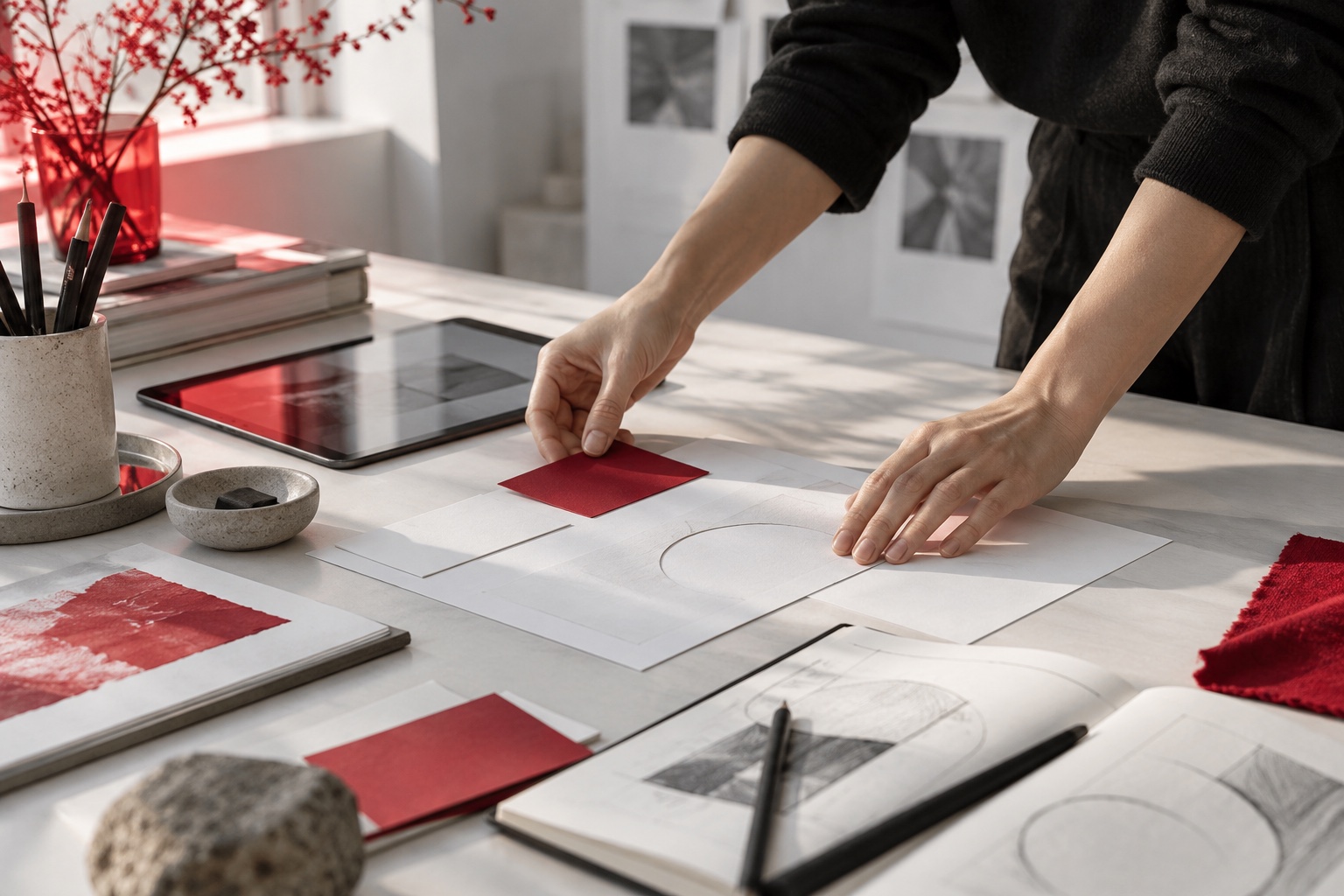
Choose a balanced image with clear subject detail. Do not rely on movement to hide a distorted hand, confusing object or incorrect reflection. Fixing the source image first makes the generated result easier to judge.
Google’s image-to-video guidance emphasises a high-quality source image and motion-focused prompts. If the image already establishes the subject, location and lighting, use the text to explain movement rather than repeatedly redefining the scene.
Related official guidance: Google Cloud · Video generation best practices
Camera motion changes our point of view
The camera may move closer while the subject stays still. A lateral move can reveal a detail. A locked camera can make a small subject gesture more visible. Decide which information you want the viewer to notice, then choose a camera movement that reveals it.
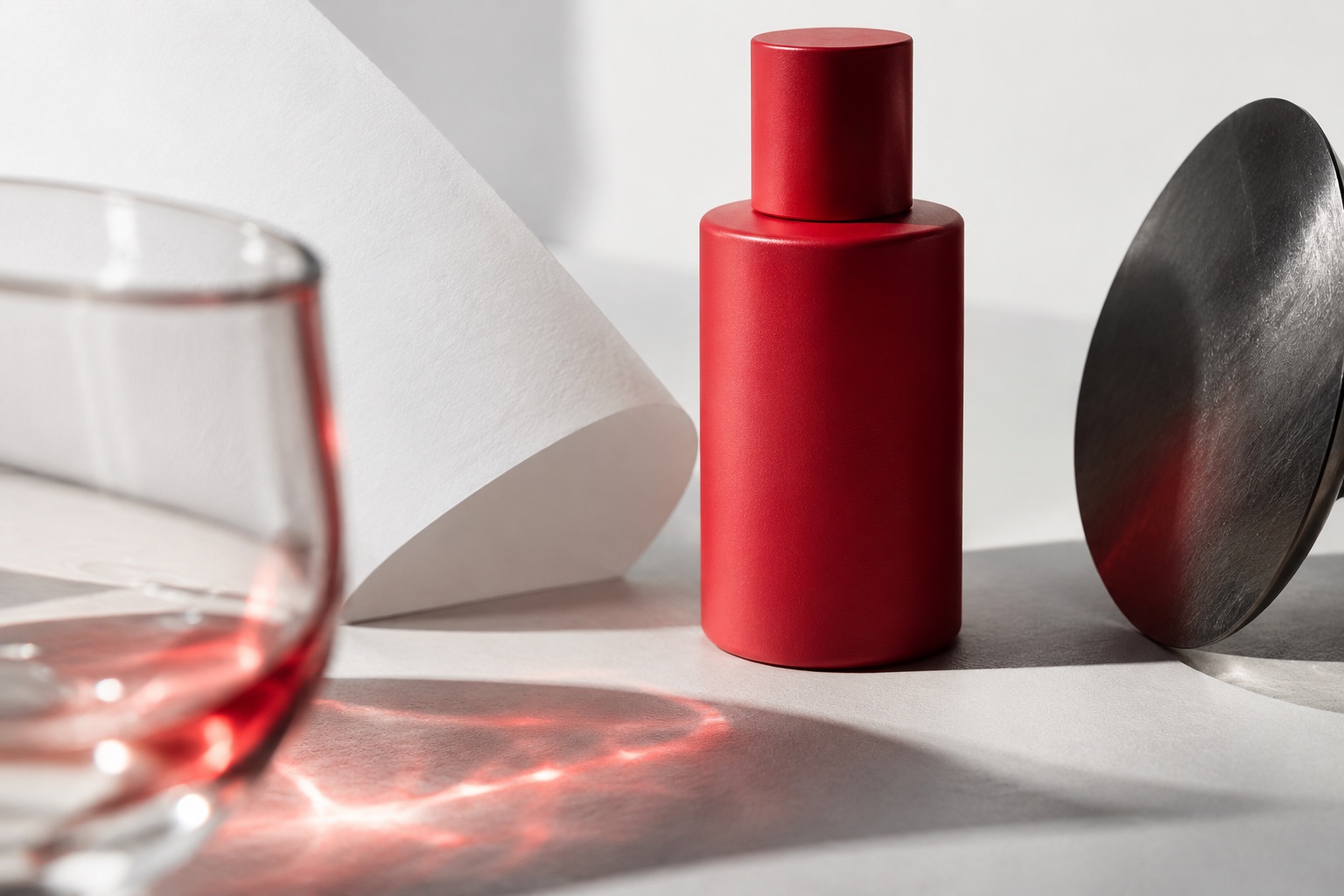
A working note might be: “The camera slowly approaches the product, which stays at the centre of the frame.” This describes a target rather than guaranteeing a result. If the product leaves the frame, review both the prompt and the starting composition.
Subject motion gives the scene an action
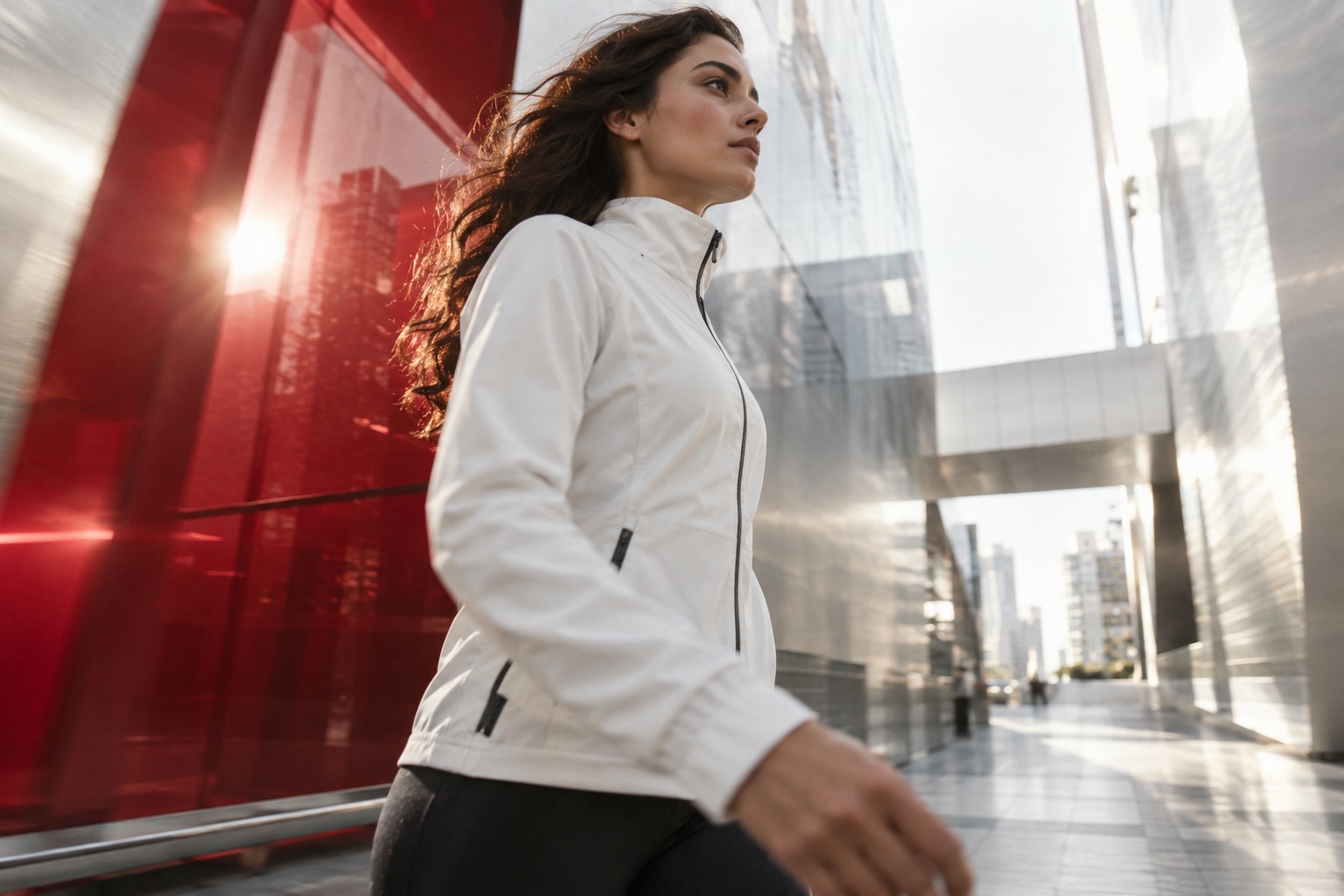
A person turning, extending a hand or rotating an object creates an action. One principal action is easier to assess than several actions squeezed into a short shot. Its beginning and ending should be understandable.
Runway’s Gen-4 guide recommends using text to describe motion alongside the starting image, beginning simply and expanding gradually. These are model-specific recommendations; they should not be treated as proof that every tool behaves identically.
Related official guidance: Runway · Gen-4 Video Prompting Guide
Environmental motion adds atmosphere
A curtain, a passing reflection or a gentle lighting shift can bring life to a still subject. Atmosphere should support the main idea rather than pull attention away from it.
Busy reflections can make a product’s shape harder to understand. Abrupt changes of light can weaken a portrait. Judge atmosphere by whether the message and subject remain clear, not only whether the effect looks attractive.
| Layer | Example | Review question |
|---|---|---|
| Camera | Slow approach | Is the subject in frame? |
| Subject | A small turn | Is its shape stable? |
| Environment | A light shift | Does it distract? |
Test deliberately and review the full shot
Changing camera, action and light together makes it hard to identify what helped. Keep the starting image fixed and change one movement decision. Compare versions at the same size and playback speed.
Review more than the opening frame. Watch at normal speed and examine critical moments for changing hands, edges, faces, labels or backgrounds. Selecting the usable section, shortening a shot and reviewing it inside the edit are normal production decisions.
Working checklist
- Starting frame
- One main movement
- Normal-speed review
- Shape and detail checks
- Continuity in the edit
A useful motion prompt describes where the viewer’s attention should go. That decision matters more than the number of technical terms.
Let’s discuss your projectSources and scope
Tool-specific statements were checked against the official resources below on 5 October 2026. Features and access conditions may change; check the current documentation when planning production. Workflow examples and checklists are editorial suggestions, not model guarantees or client performance claims.