THREE POINTS TO KEEP
- Choose formats for their intended use.
- Name logo variants clearly.
- Include a short usage guide with the technical files.
- 01Master
- 02Variants
- 03Screen
- 04Print
- 05Guide
A conceptual workflow · No client results or performance metrics are represented.
Start with the places it will be used
Before making a file list, discuss where the identity will appear. A website header, profile picture, package label and building sign operate at different scales. A single horizontal color logo is not enough evidence that every application will be equally legible.
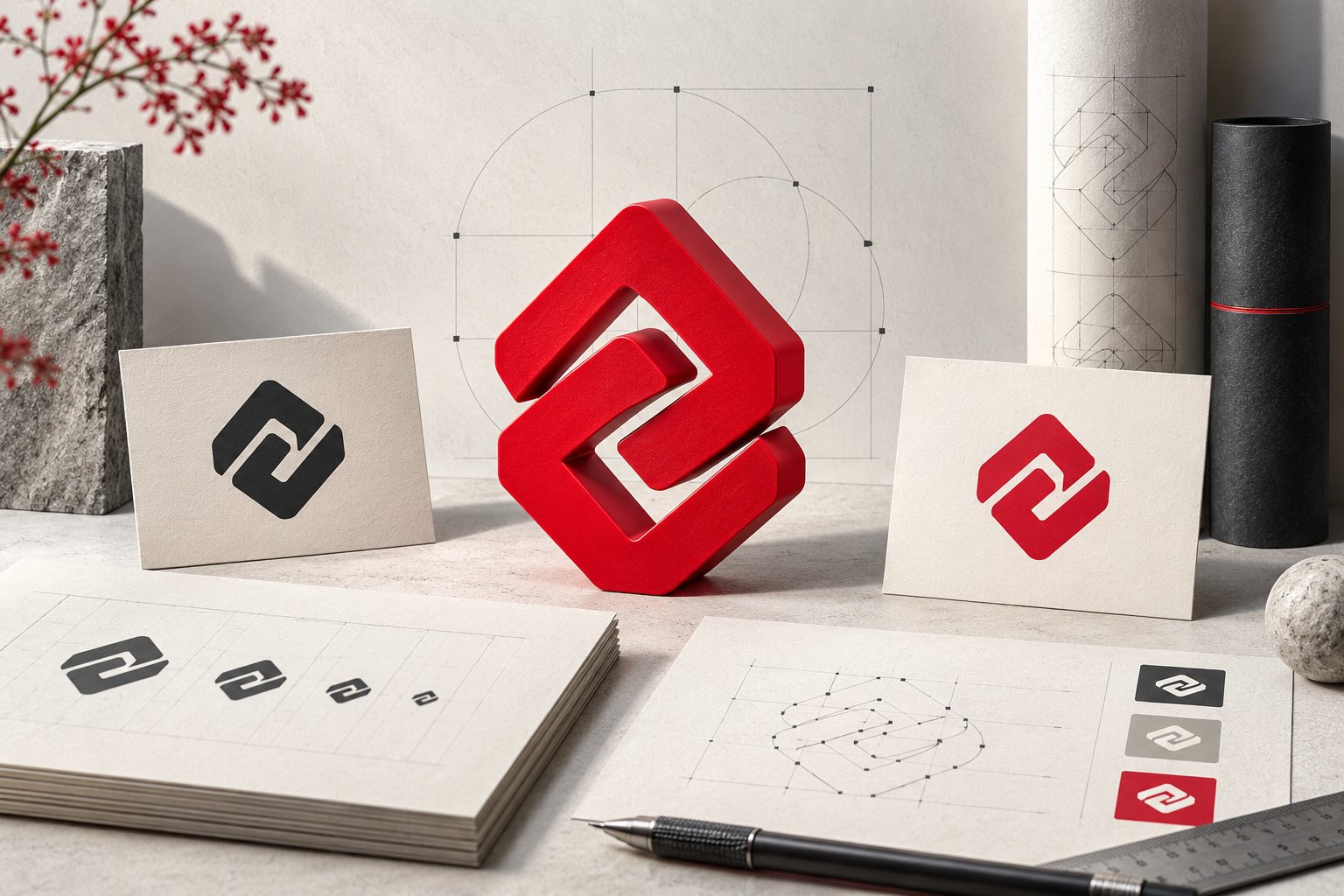
Build a small review sheet for light and dark backgrounds, one-color use, narrow spaces and small screens. Resolve necessary variants before handoff. Different teams should not have to reshape the master drawing independently.
Separate the master source from application assets
Adobe recommends keeping an editable AI source while creating the artwork, then exporting for the intended use. SVG, PDF and PNG serve different purposes: SVG can carry vector graphics for the web, PDF may combine vector and raster content, and PNG is pixel based.
Keep editable sources, screen exports and production outputs in separate folders. A file extension alone does not establish quality. Putting a low-resolution image in a PDF does not turn that image into a vector drawing.
Related official guidance: Adobe · Save artwork in Illustrator
| Asset group | Purpose | Handoff check |
|---|---|---|
| Master source | Future editing | Editable content and dependencies |
| Web / screen | Website, presentations, social | Size, transparency and small-scale clarity |
| Print / application | Printed and physical surfaces | Producer’s format and color requirements |
File names belong to the design system
Use names that describe an asset rather than “logo_final_final2”. A name such as “brand_horizontal_dark-background.svg” explains its intended use before anyone opens it. Clear naming is a practical way to reduce confusion between teams.
Archive each approved package with a version and date. Do not silently overwrite the previous handoff when the identity changes. Save a new version and briefly identify which files have changed.
A short guide can be more useful than a large folder
A useful identity guide does not have to be long. A few clear pages showing variants, background relationships, surrounding space and alterations to avoid provide a good starting point. Present examples close to real application sizes.
Open the package with the person receiving it. A missing font, wrong variant or confusing name can emerge during that short review. A consistent identity depends on leaving a usable system after the files are sent.
Working checklist
- Approved master artwork
- Light / dark variants
- One-color use
- Screen-ready exports
- Producer-confirmed print output
- Version and usage guide
A careful logo handoff helps a strong identity stay consistent in other hands.
Let’s discuss your projectSources and scope
Tool-specific statements were checked against the official resources below on 5 October 2026. Features and access conditions may change; check the current documentation when planning production. Workflow examples and checklists are editorial suggestions, not model guarantees or client performance claims.